
- 适合人群:预算极低、追求纯粹阅读体验、不介意老设备的慢节奏和无背光的用户。

- 避坑要点:务必向卖家确认电池续航和屏幕状况(有无黑点、划痕),并考虑是否需要安装多看等第三方系统以获得更好的中文支持。
- 替代选择:若预算能到300-400元,更推荐入手带背光的Kindle Paperwhite 2/3代,体验提升巨大。
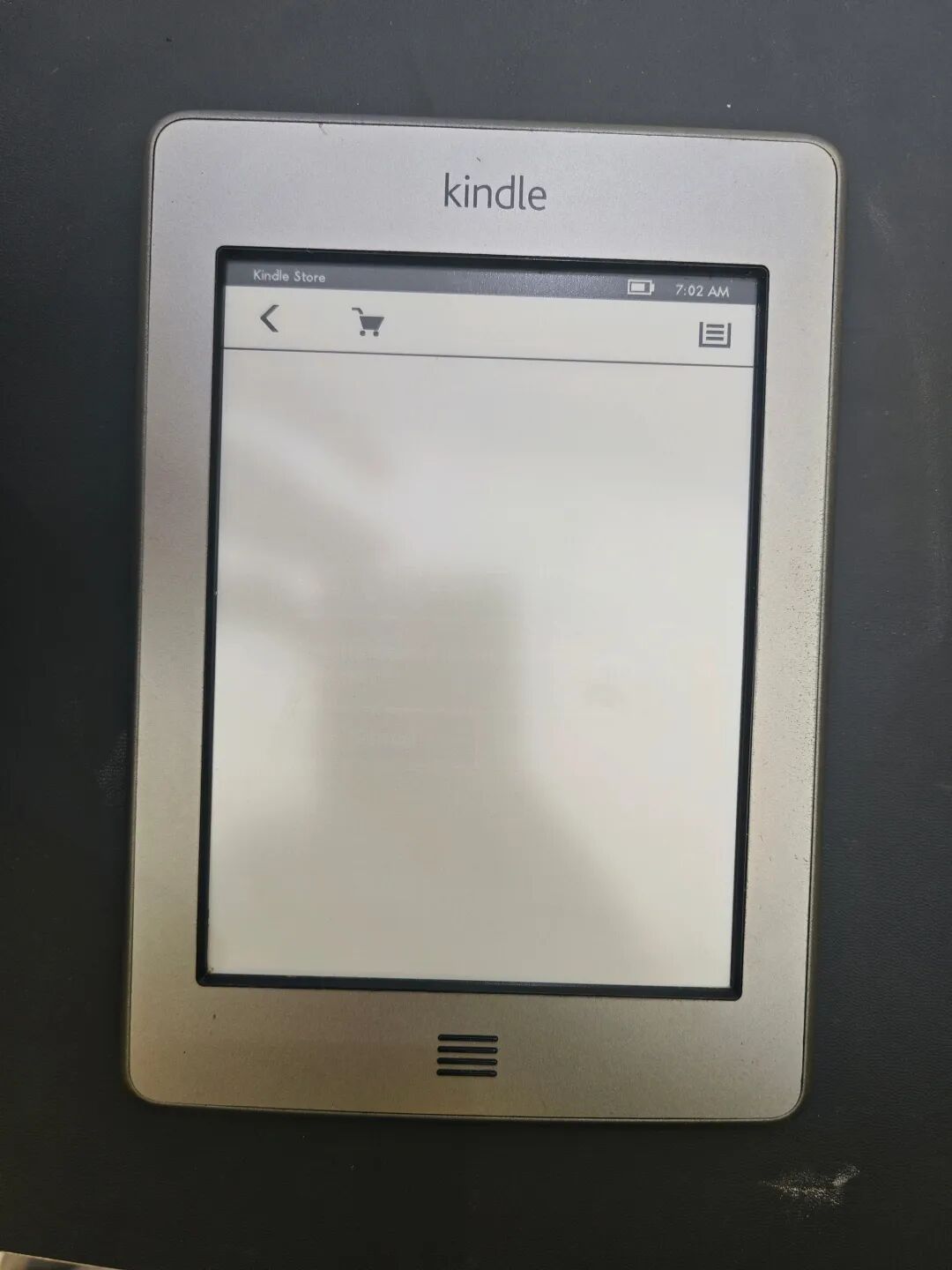
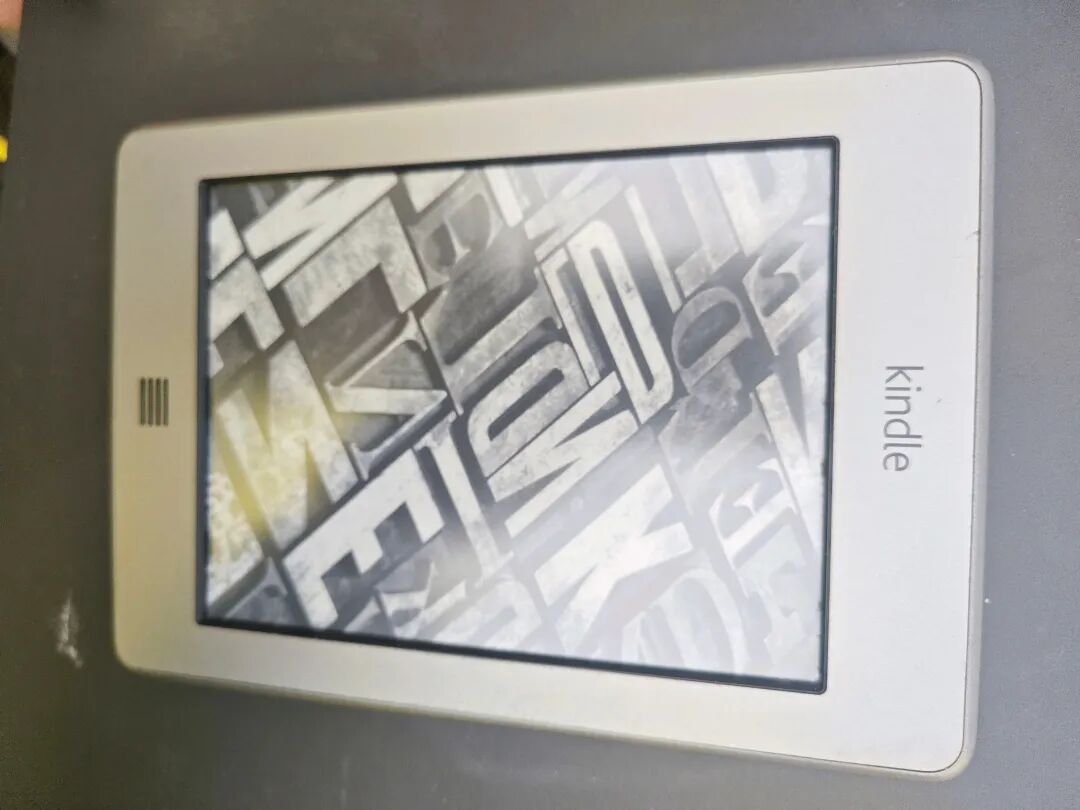
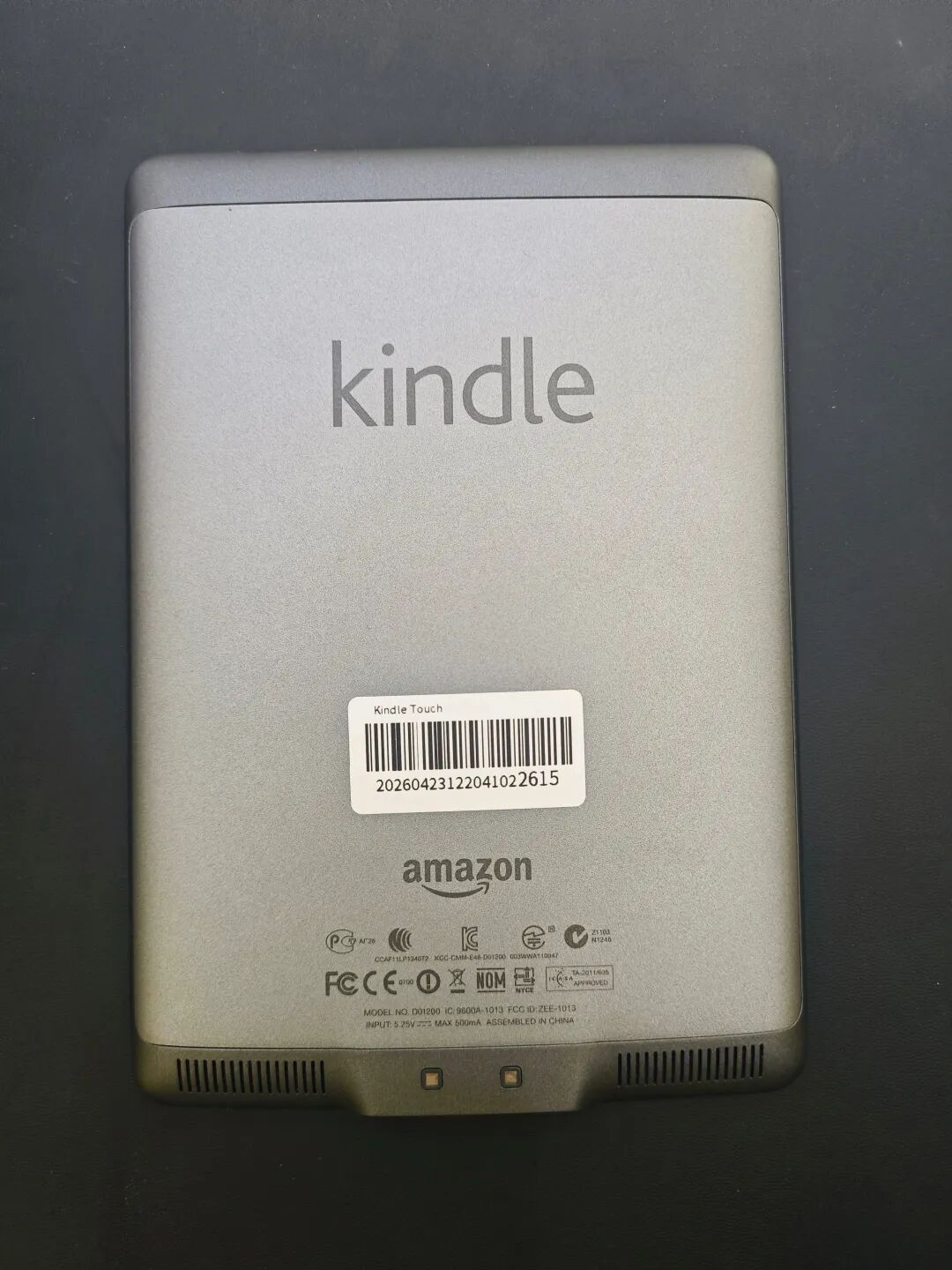
Kindle Touch 是亚马逊在2011年推出的首款带触摸屏的Kindle,如今早已停产,市面上流通的多为二手设备。
✅ 核心亮点
- 红外触控:首次在Kindle上采用6英寸红外触摸屏,替代了实体键盘,操作更直观。
- E-ink墨水屏:经典的电子墨水屏,强光下可视,阅读体验接近纸质书,且只有翻页时才耗电,续航可达数周。
- 基础功能扎实:4GB内存(约3GB可用),可存约3000本书,支持MOBI、PDF等格式,还能听Audible有声书和MP3。
❌ 明显短板(老机器通病)
- 性能落后:处理器老旧,翻页有残影、响应偏慢,且无背光,夜间阅读需要额外光源。
- 系统与电池:官方固件已停止更新,原装系统对中文支持一般,且作为十几年的老机器,电池损耗是最大的盲盒。
- 传书不便:主要靠USB线或邮箱推送,对习惯无线传书的用户不够友好。
Original Article Link: https://mp.weixin.qq.com/s?__biz=MzYzMTg0NjkxNQ==&mid=2247483785&idx=1&sn=c620c5c550ca84cddc6e9af9697392e0&chksm=f1f86c0c4996f542ddc54acb803d35980f8cd4d6d17af9b71f85c77ca6c147f5f5e60b1649d7&mpshare=1&scene=24&srcid=0501USFTTJl1pBuEIsrQ2dA4&sharer_shareinfo=653712d969c11ede05a38bdd9e87e446&sharer_shareinfo_first=653712d969c11ede05a38bdd9e87e446#rd
- Suitable for: Users with extremely low budgets who value a pure reading experience and don’t mind the slow pace and lack of backlight on older devices.
- What to avoid: Be sure to ask the seller to confirm battery life and screen condition (check for dead pixels or scratches), and consider whether you need to install a third-party system like Duokan for better Chinese support.
- Alternatives: If your budget can stretch to 300–400 RMB, it’s highly recommended to upgrade to a Kindle Paperwhite 2/3 with backlight — the improvement in experience is significant.
The Kindle Touch, released by Amazon in 2011 as its first touchscreen Kindle, has long been discontinued. The units found on the market today are all secondhand devices.
✅ Key Highlights - Infrared Touch: Introduces a 6-inch infrared touchscreen to the Kindle, replacing physical buttons and making operation more intuitive.
- E-ink Display: Features classic electronic ink technology, offering excellent visibility in strong light and a reading experience comparable to paper. Power is only consumed during page turns, providing weeks of battery life.
- Solid Basics: 4GB memory (approx. 3GB usable) can hold about 3,000 books. Supports MOBI, PDF, and other formats, and allows listening to Audible audiobooks or MP3s.
❌ Notable Drawbacks (Common to Older Models) - Outdated Performance: The processor is old, leading to visible ghosting and slower response times during page turns. There’s no backlight, so nighttime reading requires an external light source.
- System and Battery: The official firmware is no longer updated, and the original system offers poor Chinese support. As a decade-old device, battery degradation is the biggest gamble when purchasing.
- Inconvenient Transfer: Books must be transferred via USB cable or email, lacking the convenience of wireless synchronization for modern users.
- System and Battery: The official firmware has ceased updating, and the original system's support for Chinese is mediocre. Additionally, as a device that is over a decade old, battery degradation is the largest unknown variable. - Inconvenient Book Transfer: Primarily relies on USB cables or email pushing, which is not user-friendly for those accustomed to wireless book transfer.