

在职场人还被困在“写不完的周报、理不明的表格、找不着的文档”中时,AI 圈已经悄悄发生了一场“从辅助思考到主动干活”的范式升级。
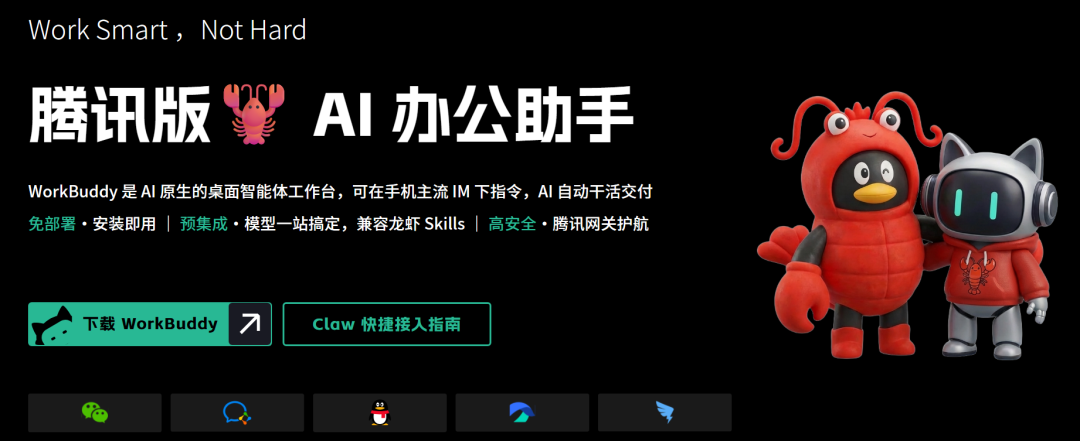
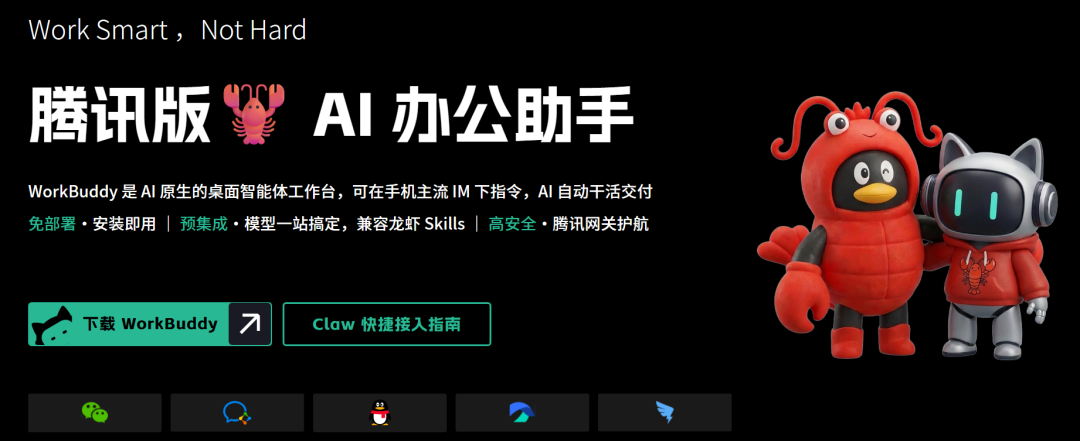
它的核心定位非常直接:做一个“坐在电脑里干活的 AI 同事”。
一、 它不是聊天机器人,是你的“数字职场分身”
很多人对 AI 的认知还停留在“你问我答”。但 WorkBuddy 彻底打破了这种局限。
- 听得懂人话,更“带脑子思考”:它具备自然语言理解、自主逻辑思考和本地文件操作三大能力。你不需要学习复杂的编程语言,只需用普通话下达指令,它就能像人类同事一样,自动拆解任务、规划步骤并交付结果。
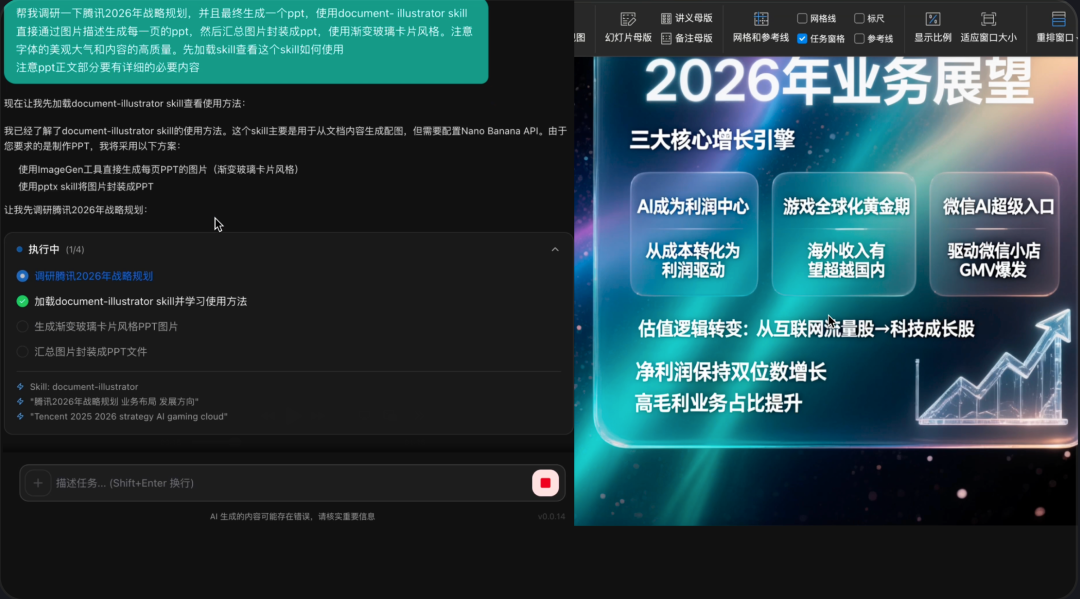
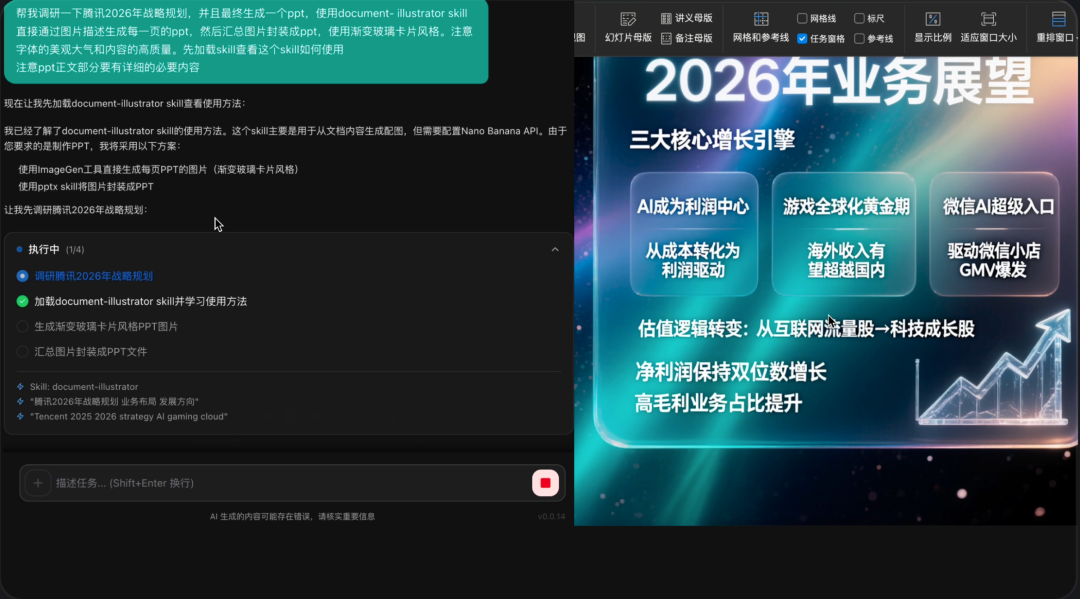
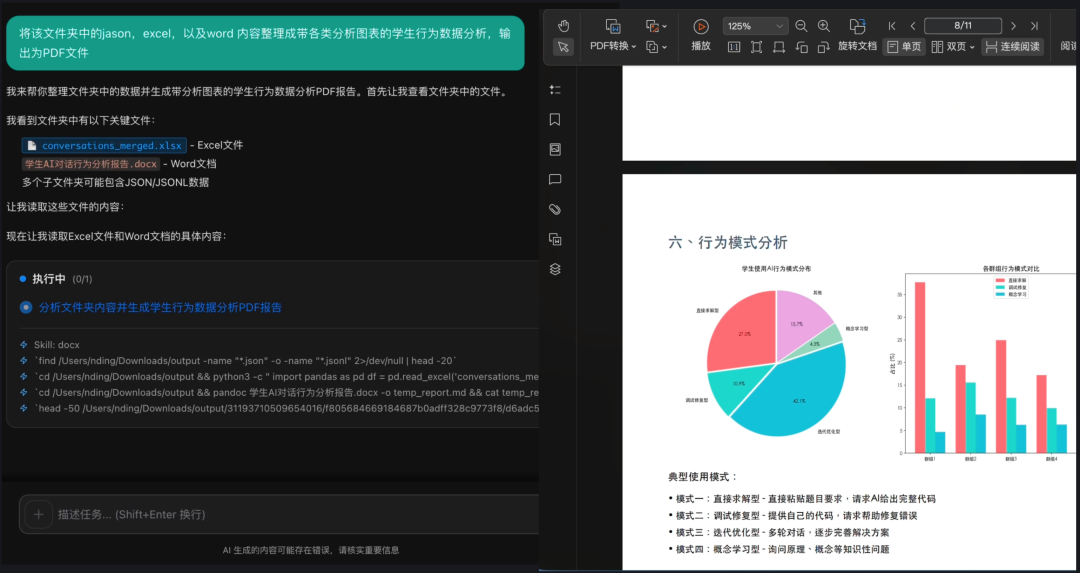
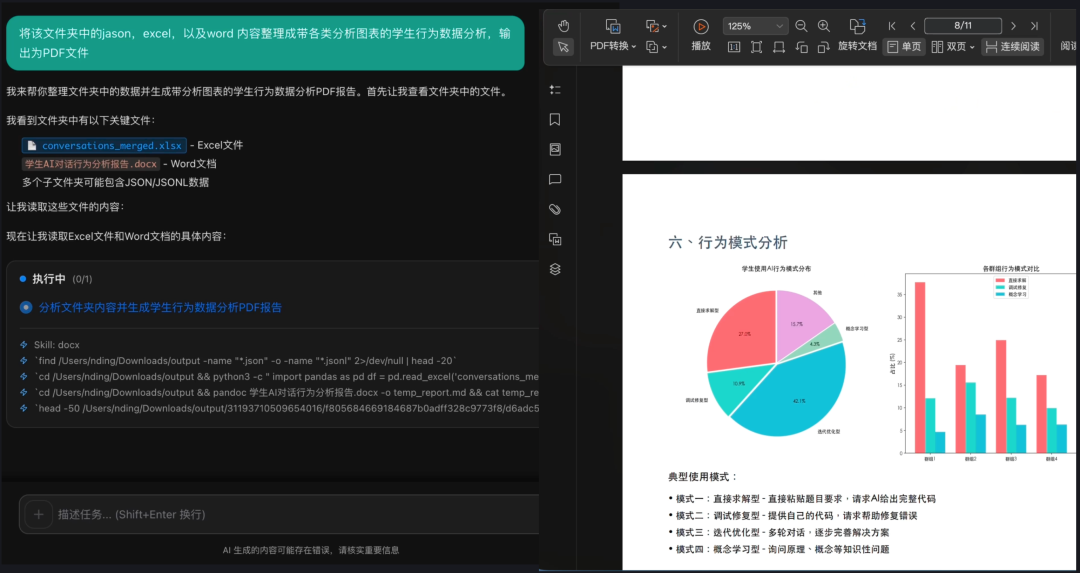
- 真正的“手脚”:本地文件处理:与传统的云端 AI 不同,WorkBuddy 拥有操作本地电脑的权限(在用户授权范围内)。它可以直接读取你电脑里的文件夹,进行批量整理、重命名、格式转换,甚至直接生成 Word、Excel、PPT 和 PDF。
二、 核心爆款功能:每一个都戳中职场痛点
1. “一句话”搞定复杂任务
- “帮我把这份销售数据生成一个分析报告,包含图表”。
- “整理 Downloads 文件夹里的图片,按日期分类”。
- “分析这份简历,提取关键信息生成表格”。 WorkBuddy 会自动寻找对应工具,完成从数据清洗到可视化报告的全流程。
2. “Claw”远程操控:人在外面,电脑照样干活
这是 WorkBuddy 最令人惊艳的差异化亮点。通过内置的 Claw 远程控制功能,你可以将电脑端的 WorkBuddy 接入企业微信、QQ、飞书或钉钉。
- 使用场景:你在通勤路上或开会时,突然需要处理一个文件。只需在手机微信上发条消息,电脑里的 WorkBuddy 就会自动执行任务,完成后直接将成品发回你的手机。真正实现了“随时随地,指挥 AI 办公”。
3. 多 Agent 并行工作:效率极致压榨
4. 强大的插件生态(MCP & Skills)
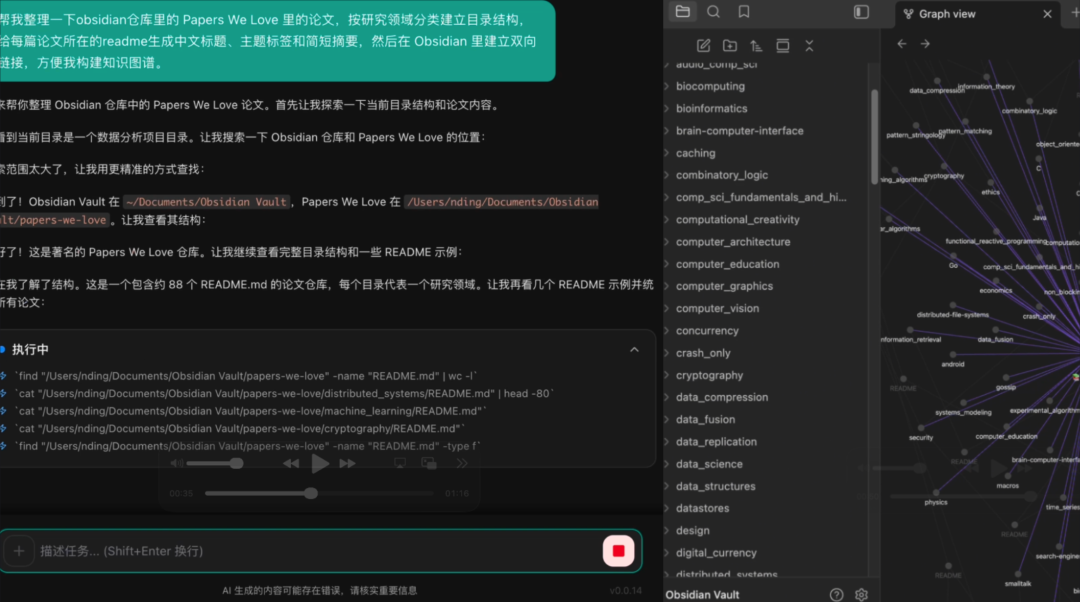
它内置了 20+ 官方 Skills 技能包,并全面兼容 OpenClaw 生态。无论是网页搜索、数据分析还是本地知识库构建(如联动 Obsidian),只需一键安装插件即可扩展能力。
三、 极致的安全感:本地沙盒 + 权限隔离
对于办公软件,数据安全是底线。WorkBuddy 在设计之初就构建了企业级安全体系:
- 本地执行:所有文件操作均在本地授权范围内完成,敏感数据不上传云端。
- 执行确认制:任务拆解后必须经过用户确认才会执行,过程完全透明。
- 高危拦截:对于“删除文件”或“修改系统设置”等高危操作,系统会自动拦截并要求二次确认。
- 隐私保护 Skill:它甚至支持专为龙虾场景研发的隐私保护工具,实现端侧数据的一键脱敏,规避合规风险。
四、 谁最需要 WorkBuddy?
- 运营/销售:自动从 CRM 或日志中提炼销售洞察,生成跟进建议。
- HR/行政:批量处理简历、整理报销票据、维护员工档案。
- 职场新人:面对杂乱的下载文件夹和复杂的 PPT 汇报,一键实现桌面整理和内容生成。
- 非技术背景群体:无需懂代码,也能享受 AI 自动化带来的红利。
五、 快速上手:1 分钟开启 AI 办公新范式
目前 WorkBuddy 已开启内测,并向所有国内用户开放。
- 下载安装:访问官网(codebuddy.cn/work)下载桌面客户端。
- 创建任务:在输入框写下你的第一个愿望,比如“帮我总结最近三年的工作汇报文档”。
- 配置 Claw:进入个人中心,最快 1 分钟即可绑定企业微信或微信,开启手机控脑模式。
结语
AI 时代,竞争的本质是效率。当别人还在苦练快捷键时,你已经拥有了一个 24 小时待命、且能在微信上随时召唤的“数字同事”。
When workplace professionals are still trapped in the mire of "endless weekly reports, uninterpretable charts, and lost documents," a paradigm shift has already quietly occurred in the AI circle: moving from "auxiliary thinking" to "autonomous execution." If you're still using ChatGPT for casual conversation, then you're truly behind the times. Today, we introduce Tencent Cloud's innovative creation: an AI-powered desktop workbench called WorkBuddy, built by the CodeBuddy team. This "腾讯版小龙虾" (Tencent Little Lobster) is China's first desktop-level AI executor that requires no deployment, operates locally, and supports remote control.
Its core positioning is direct: to be a "AI colleague that sits at your computer and gets work done."
Many people perceive AI strictly as a Q&A service. But WorkBuddy breaks this limitation entirely. It understands natural language, possesses logical reasoning abilities, and can interact directly with local files. You don't need to learn complex programming languages; simply issue commands in plain Chinese, and it will automatically break down tasks, plan steps, and deliver results — just like a human colleague.
The true differentiator here is local file processing: unlike cloud-based AI services, WorkBuddy has explicit permission to operate on your local machine (within authorized limits). It can read folders, perform batch renaming, format conversions, and even generate Word, Excel, PPT, and PDF files directly.
Key Killer Features: Addressing Everyday Pain Points
In WorkBuddy, all you need is one sentence to describe your requirement. For example:
"Analyze these sales data and generate a report with charts."
"Organize the images in my Downloads folder by date."
"Extract key information from this resume into a table."
WorkBuddy will automatically locate the appropriate tools and complete the entire pipeline — from data cleaning to visualization — without manual intervention.
"Brain on Desk, Control via Phone" — The Ultimate Remote Office Experience
Perhaps the most impressive feature is the built-in Claw remote control functionality. By linking WorkBuddy to WeChat, QQ, or other messaging apps, you can control your desktop computer remotely via your mobile phone.
Parallel Processing: Get More Done Faster
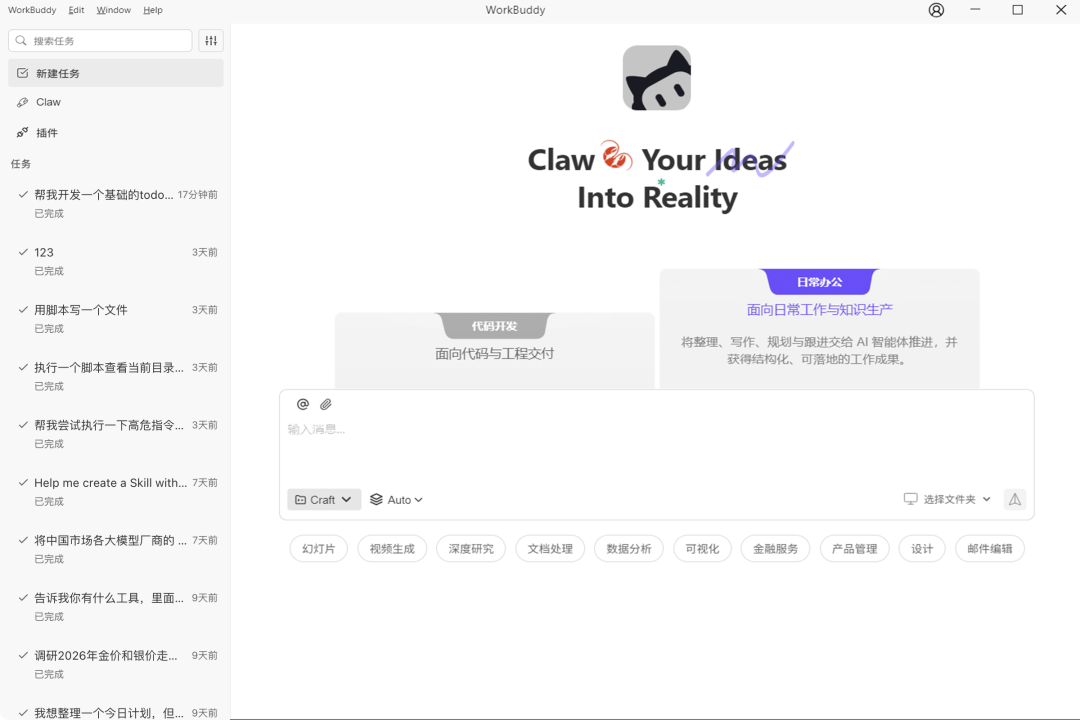
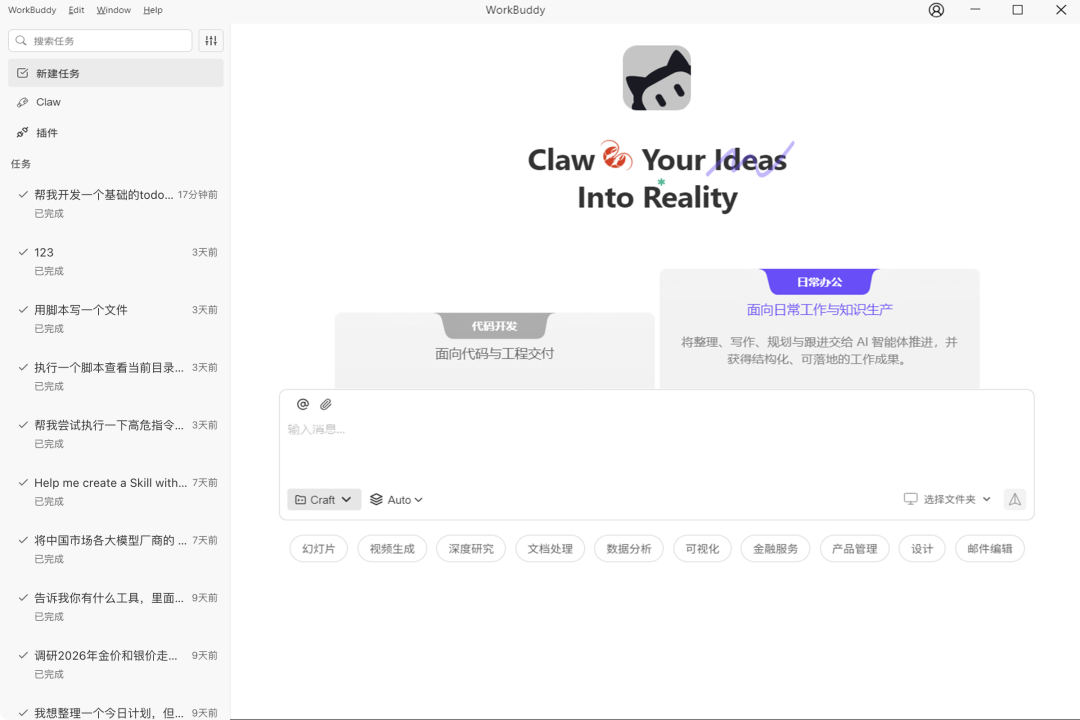
WorkBuddy supports multi-window and multi-agent operations. For complex projects like writing a viral article, you can assign tasks to multiple AI agents simultaneously: AI-1 searches for data, AI-2 drafts the outline, AI-3 writes the body, and AI-4 creates the cover image. This parallel processing capability dramatically increases delivery speed.
Extensible Ecosystem: Tailored to Your Needs
Enterprise-Grade Security: Privacy and Control
Local Execution: All file operations occur locally within authorized boundaries, with sensitive data never uploaded to the cloud.
Confirmation Protocol: Tasks must be confirmed by the user before execution, ensuring total transparency.
High-Risk Interception: Dangerous operations like deleting files or modifying system settings are automatically blocked or require secondary authorization.
Privacy Protection: It even includes tools for one-click data anonymization, specifically designed to address compliance risks in enterprise environments.
Who Needs WorkBuddy?
Based on real-world testing and official recommendations, the following groups will experience immediate productivity gains:
HR / Administration: Batch process resumes, organize expense reports, and maintain employee records.
Early-Career Professionals: Simplify the management of disorganized download folders and complex PPT presentations with a single click.
Non-Technical Users: Enjoy the benefits of AI automation without needing to understand code.
Getting Started: 1 Minute to a New Way of Working
WorkBuddy is currently in the beta testing phase and is open to all users in China.
Download and install the desktop client from the official website (codebuddy.cn/work).
Create your first task — for example, "Summarize all of my work reports from the past three years."
Configure the Claw feature to link your mobile device in less than a minute.
Conclusion
In the AI era, the key to competition is efficiency. While others are still memorizing keyboard shortcuts, you can have a 24/7 assistant that you can summon with a simple WeChat message. Say goodbye to "cattle-like" overtime and welcome your "Tencent Little Lobster" into your workplace today.
Configure Claw: Go to Personal Center, bind WeChat or Enterprise WeChat within 1 minute, and enable mobile brain control mode.
结语
In the AI era, competition is all about efficiency. While others are still practicing shortcuts, you already have a 24/7 standby "digital colleague" that can be summoned via WeChat at any time.
Say goodbye to "bull-horse" overtime — start by adopting your first "Tencent Lobster" today!